Never Lose a Good Article: Master Your Reading Queue with Readima's Read Later Feature
Stop losing interesting articles to forgotten tabs. Learn how Readima's Read Later feature helps you save, organize, and actually read the content you discover online. Build a personal reading queue that works.
The Lost Article Problem
We've all been there. You're scrolling through Twitter, browsing Hacker News, or checking your email when you spot an interesting article. "I'll read this later," you think, opening it in a new tab.
Two weeks later, you have 47 tabs open, your browser is eating 8GB of RAM, and you can't remember which articles were actually worth reading.
Readima's Read Later feature solves this problem.
How Read Later Works
With one click, save any article to your personal reading queue. Readima extracts the article content, saves it locally, and presents it in a clean interface when you're ready to read.
Saving Articles
When you find an article worth reading later:
- Click the Readima icon in your browser toolbar
- Select "Save to Read Later"
- The article is instantly saved to your queue
Or use the keyboard shortcut for even faster saving.
Your Reading Queue
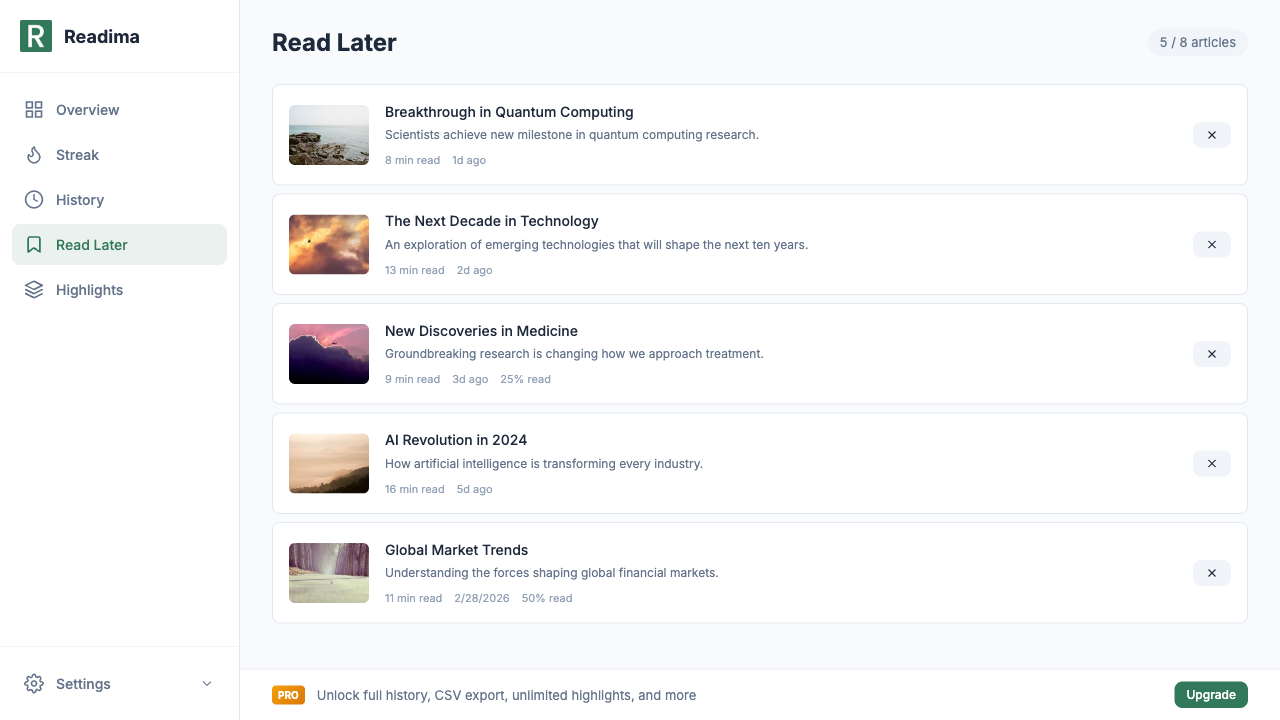
Open Readima's dashboard and click "Read Later" to see your saved articles:
- Thumbnail preview: Visual identification of each article
- Title and description: Remember why you saved it
- Reading time estimate: Know how long it'll take (e.g., "8 min read")
- Time since saved: "1d ago", "3d ago" — see what's getting stale
- Reading progress: Pick up where you left off (e.g., "25% read")
The Perfect Read Later Interface
Readima's Read Later page shows exactly what you need:
| Article | Details |
|---|---|
| Breakthrough in Quantum Computing | 8 min read • 1d ago |
| The Next Decade in Technology | 13 min read • 2d ago |
| New Discoveries in Medicine | 9 min read • 3d ago • 25% read |
| AI Revolution in 2024 | 16 min read • 5d ago |
| Global Market Trends | 11 min read • 2/28/2026 • 50% read |
Each article card includes:
- Clean thumbnail
- Full title
- Brief description
- Estimated reading time
- Age of the saved article
- Progress indicator (if partially read)
- Quick remove button
Free vs Pro Read Later Features
Free Tier
- Save up to 8 articles in your queue
- Basic list view with title and URL
- Remove articles when done
- Reading progress tracking
Pro Tier ($2.9/month)
- Unlimited articles — never hit a limit
- Folders and tags — organize by topic
- Search within saved — find articles instantly
- Sync across devices — read anywhere
- Import from Pocket/Instapaper — migrate your existing queue
Why Read Later Beats Browser Bookmarks
Browser bookmarks are where articles go to die. Here's why Read Later works better:
1. Visual Organization
Bookmarks are just URLs. Read Later shows thumbnails, descriptions, and reading times. You can actually see what you saved.
2. Offline Reading (Pro)
Read Later caches article content. Even if the original site goes down or changes, your saved version remains.
3. Progress Tracking
Bookmarks don't know if you've read them. Read Later shows "50% read" so you know exactly where you left off.
4. Queue Psychology
A bookmark folder feels infinite. An 8-article queue feels actionable. You're motivated to empty it.
5. Integration with Reading Modes
Open any saved article directly into Bionic Reading, Meta Guiding, or RSVP mode. Your reading preferences apply automatically.
Building a Read Later Workflow
Here's how to make Read Later work for you:
Morning Content Sweep
Spend 5 minutes in the morning saving interesting articles you encounter:
- Email newsletters
- Social media links
- News feeds
Don't read them yet. Just save.
Dedicated Reading Time
Set aside 20-30 minutes for focused reading:
- Open your Read Later queue
- Start with shorter articles to build momentum
- Use Bionic Reading or RSVP for speed
Weekly Queue Review
Every Sunday, review your queue:
- Remove articles that no longer interest you
- Prioritize what matters most
- Celebrate your "read" count
The 8-Article Sweet Spot
Free users get 8 articles. This isn't a limitation — it's a feature.
Research shows that smaller queues reduce decision fatigue and increase completion rates. When you hit 8 articles:
- You're forced to read or remove
- No infinite backlog grows
- Everything stays fresh
- You actually read what you save
If you need more than 8, Pro unlimited is available. But try the limit first — it might change how you consume content.
Migrating from Other Services
From Pocket
Pro users can import their Pocket library directly into Readima Read Later. Your years of saved articles come with you.
From Instapaper
Same story — import your Instapaper queue with one click (Pro).
From Browser Bookmarks
While there's no direct import, you can easily save your most important bookmarks to Read Later, then delete the bookmark. Your reading list gets organized, and your bookmarks get cleaner.
Read Later + Reading History
Here's where Readima shines: Read Later integrates with your Reading History.
When you finish an article from your queue:
- It's removed from Read Later
- It appears in your Reading History
- Your stats update (words read, time saved)
- Your streak continues
Nothing falls through the cracks.
Stop Hoarding, Start Reading
The best reading system is one you actually use. Read Later gives you:
- A place to save interesting content
- A clean interface to consume it
- Progress tracking to stay motivated
- Integration with speed reading tools
Ready to build your reading queue?
- Install Readima
- Save your first article to Read Later
- Set a time tomorrow to read it
- Repeat
Your future self will have great articles waiting.
Related Features
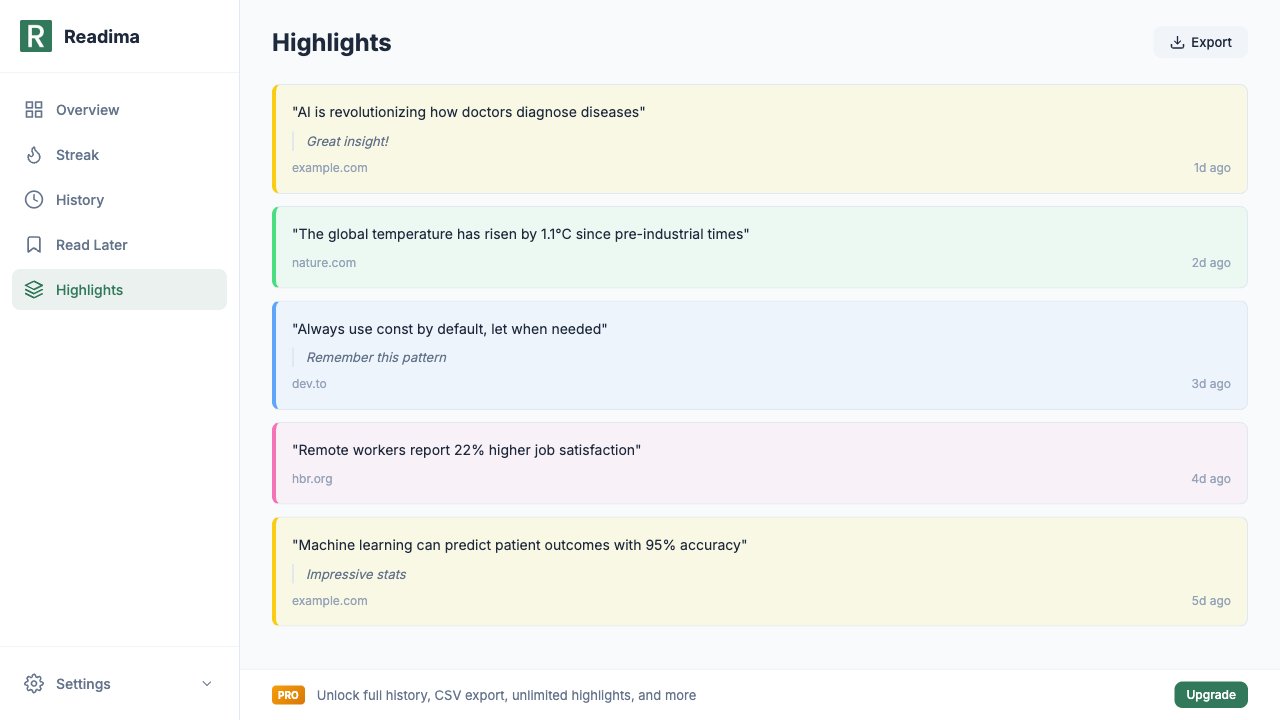
- Highlight and Annotate Articles - Save key insights while reading
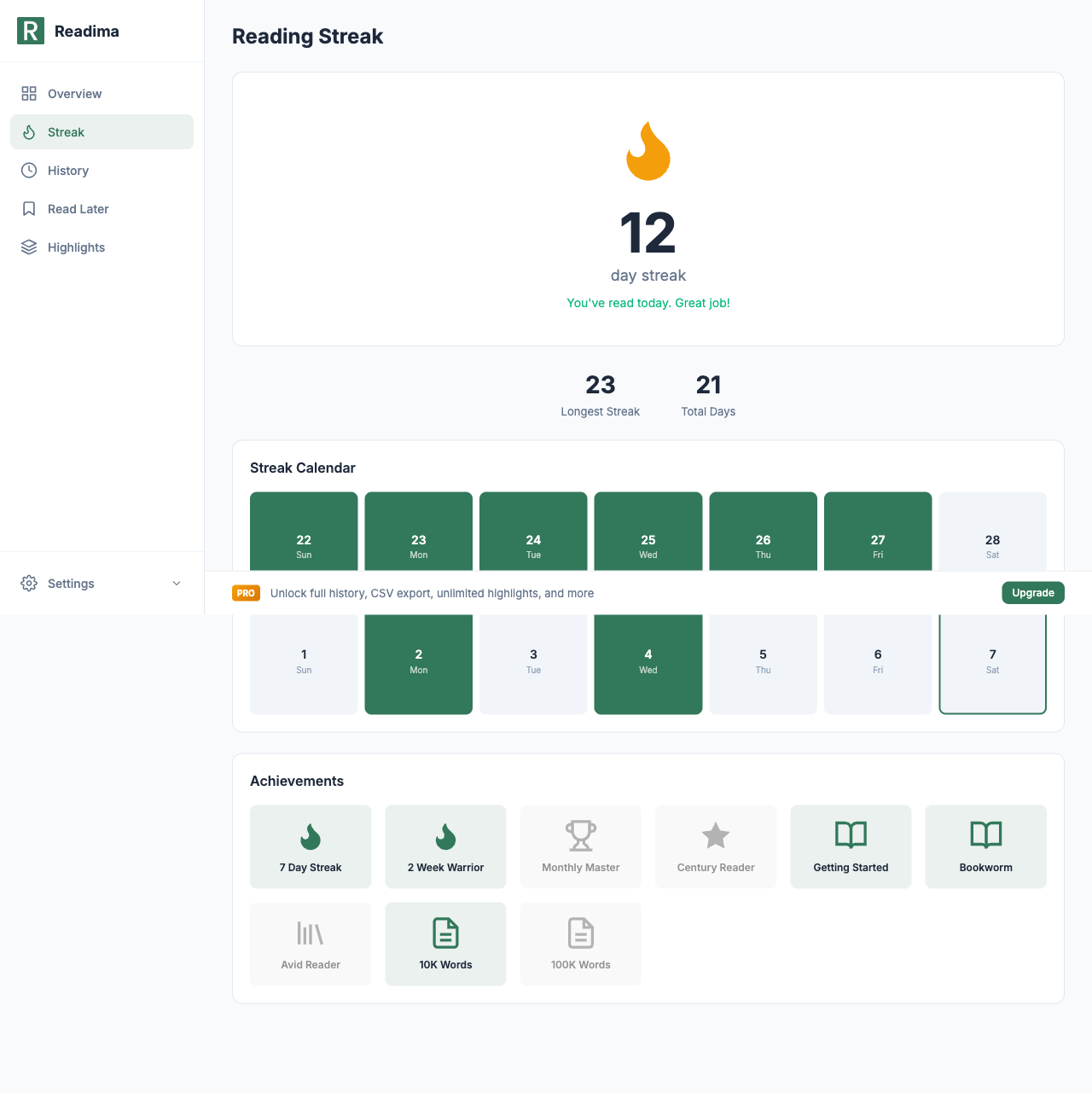
- Reading Streaks and Achievements - Stay motivated to read
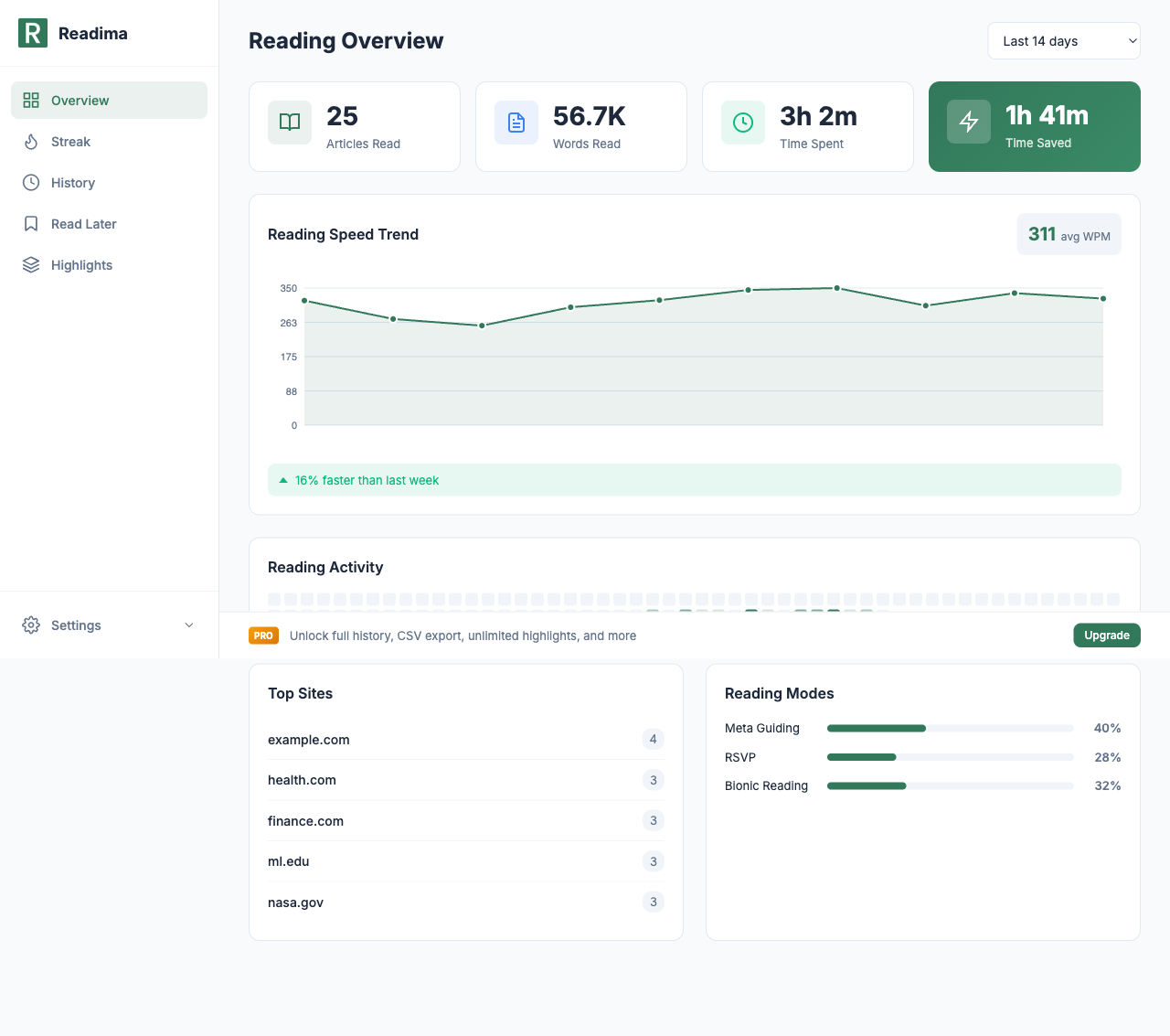
- Track Your Reading Journey - See your progress
Start building your reading queue today! Download Readima for free and save up to 8 articles to read later. Includes progress tracking and speed reading modes!
Want unlimited articles, folders, tags, and Pocket/Instapaper import? Upgrade to Pro for just $2.9/month.
Related in the StoicSoft network
If you run monitoring, uptime checks, or alerting across self-hosted apps like the ones above, ServerCompass is the StoicSoft network's tool for wiring tiered severity, flap suppression, and low-noise alerts into a single dashboard.
Ready to Read Faster?
Join thousands of readers who use Readima to improve their reading speed and comprehension. Start your speed reading journey today.