Highlight and Annotate Articles: Smart Note-Taking for Everything You Read
Transform passive reading into active learning with Readima's highlighting and annotation system. Save key quotes, add personal notes, and export your insights to Markdown or Notion. Never lose an important idea again.
From Passive Reading to Active Learning
There's a huge difference between reading and learning. You can read 100 articles and remember nothing. Or you can read 10 articles deeply and transform your thinking.
The secret? Active reading through highlighting and annotation.
Readima brings this capability to every article you read online.
How Highlighting Works
Select any text while reading in Readima, and a floating toolbar appears:
- Choose a highlight color (5 colors available)
- Add an optional note for context
- Save — the highlight persists even if you leave the page
Your highlights are stored locally and synced to your Readima dashboard, where you can search, review, and export them.
The Highlights Dashboard
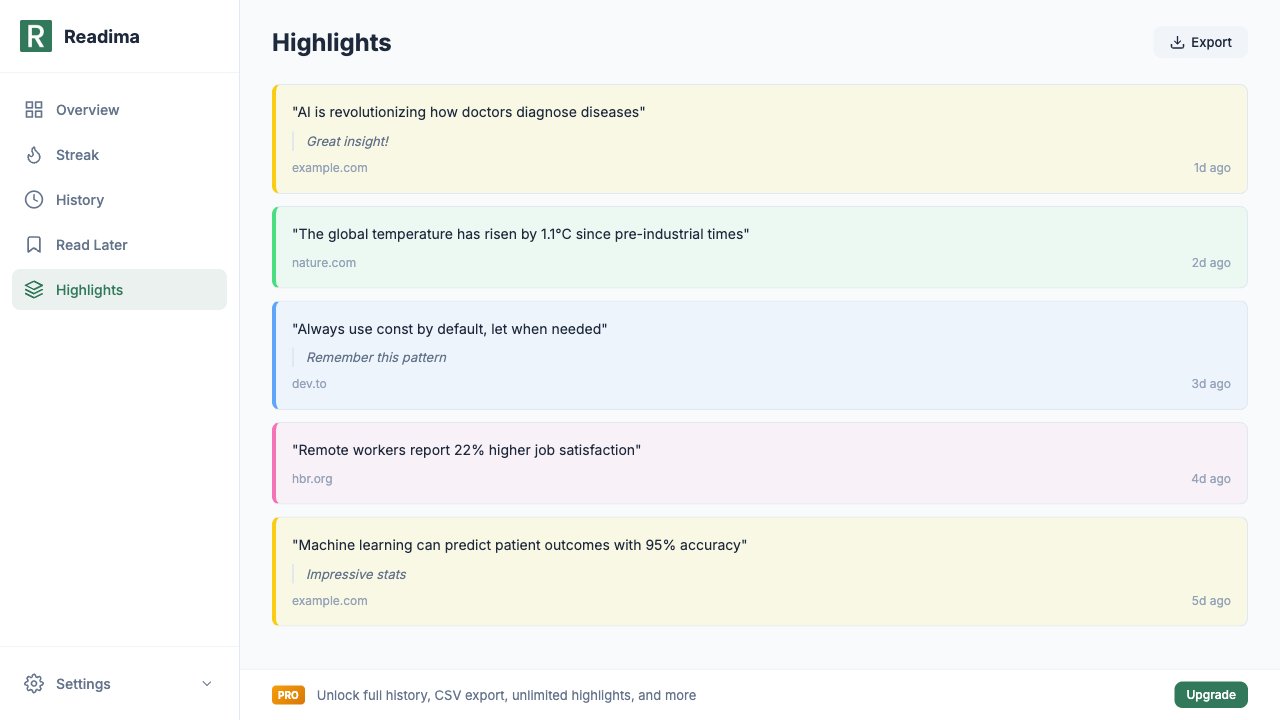
Open Readima's Highlights page to see everything you've saved:
Each highlight shows:
- The quoted text — exactly what you highlighted
- Your note — personal context you added
- Source URL — where you found it
- Time — when you saved it
- Color coding — visual organization
Example highlights:
"AI is revolutionizing how doctors diagnose diseases" Great insight! example.com • 1d ago
"The global temperature has risen by 1.1°C since pre-industrial times" nature.com • 2d ago
"Always use const by default, let when needed" Remember this pattern dev.to • 3d ago
Color-Coded Organization
Readima offers five highlight colors, each useful for different purposes:
| Color | Suggested Use |
|---|---|
| Yellow | Key facts and statistics |
| Green | Ideas you agree with |
| Blue | Concepts to research further |
| Pink | Surprising or contrarian points |
| Orange | Action items and to-dos |
Free users get 2 colors (yellow and green). Pro users unlock all 5.
Adding Notes to Highlights
A highlight without context is often meaningless weeks later. Readima lets you add notes:
- Explain why it matters: "This relates to the project I'm working on"
- Add your reaction: "Controversial but interesting"
- Create action items: "Share this with the team"
- Connect ideas: "Similar to what I read about in that other article"
Notes appear beneath the highlight and are searchable along with the highlighted text.
Free vs Pro Highlights
Free Tier
- 8 highlights total across all pages
- 2 colors: Yellow and Green
- View highlights in sidebar
- Basic highlight management
Pro Tier ($2.9/month)
- Unlimited highlights — never hold back
- All 5 colors for visual organization
- Add notes to any highlight
- Export to Markdown — use in Obsidian, Notion, etc.
- Export to Notion via API integration
- Search across all highlights
The Active Reading Workflow
Here's how to use highlights for better learning:
While Reading
- First pass: Read the full article without highlighting
- Second pass: Go back and highlight key points
- Add notes: Explain why each highlight matters to you
After Reading
- Review highlights: Open the dashboard and skim your recent highlights
- Connect ideas: Notice patterns across articles
- Export insights: Move important highlights to your notes system
Weekly Review
- Browse all highlights from the past week
- Remove outdated ones: Keep only what's valuable
- Export keepers: Move to permanent storage in Notion/Obsidian
Exporting Your Highlights
Markdown Export (Pro)
Click "Export" on the Highlights page to get a clean Markdown file:
## Highlights from 2026-03-04

### example.com
> "AI is revolutionizing how doctors diagnose diseases"
Note: Great insight!

### nature.com
> "The global temperature has risen by 1.1°C since pre-industrial times"

### dev.to
> "Always use const by default, let when needed"
Note: Remember this pattern
Import this into Obsidian, Notion, or any Markdown-compatible tool.
Notion Integration (Pro)
Connect your Notion workspace and highlights sync automatically:
- Each highlight becomes a database entry
- Notes, colors, and sources are preserved
- Search across all your knowledge
Highlights in Context
Unlike some highlighting tools, Readima remembers where your highlights came from:
- Click any highlight to return to the original article
- See highlights in context with surrounding text
- The highlight is re-applied when you revisit the page
This source linking is crucial for research and fact-checking.
Use Cases for Highlights
Research
- Collect evidence for a paper or article
- Track sources with automatic URL storage
- Export citations with one click
Learning
- Mark concepts you need to review
- Add notes explaining your understanding
- Build a personal knowledge base
Work
- Save important information from reports
- Highlight action items in emails
- Collect competitive intelligence
Content Creation
- Gather inspiration and quotes
- Track statistics and data points
- Build a swipe file of great writing
The Highlight Limit Philosophy
Free users get 8 highlights. This encourages intentional highlighting:
- Don't highlight everything
- Only save what truly matters
- Review and remove regularly
- Be selective about what deserves preservation
If you consistently need more, Pro unlimited is available.
From Highlights to Knowledge
The goal isn't to have a huge highlight collection. It's to:
- Engage actively with what you read
- Capture insights before they fade
- Review and connect ideas over time
- Build lasting knowledge through repetition
Readima's highlighting system supports this entire cycle.
Start Highlighting Today
Transform your reading from passive consumption to active learning:
- Install Readima
- Read an article with Bionic Reading or Meta Guiding
- Select text and choose a highlight color
- Add a note explaining why it matters
- Review your highlights in the dashboard
Every highlight is a seed for future insight. Plant them wisely.
Related Features
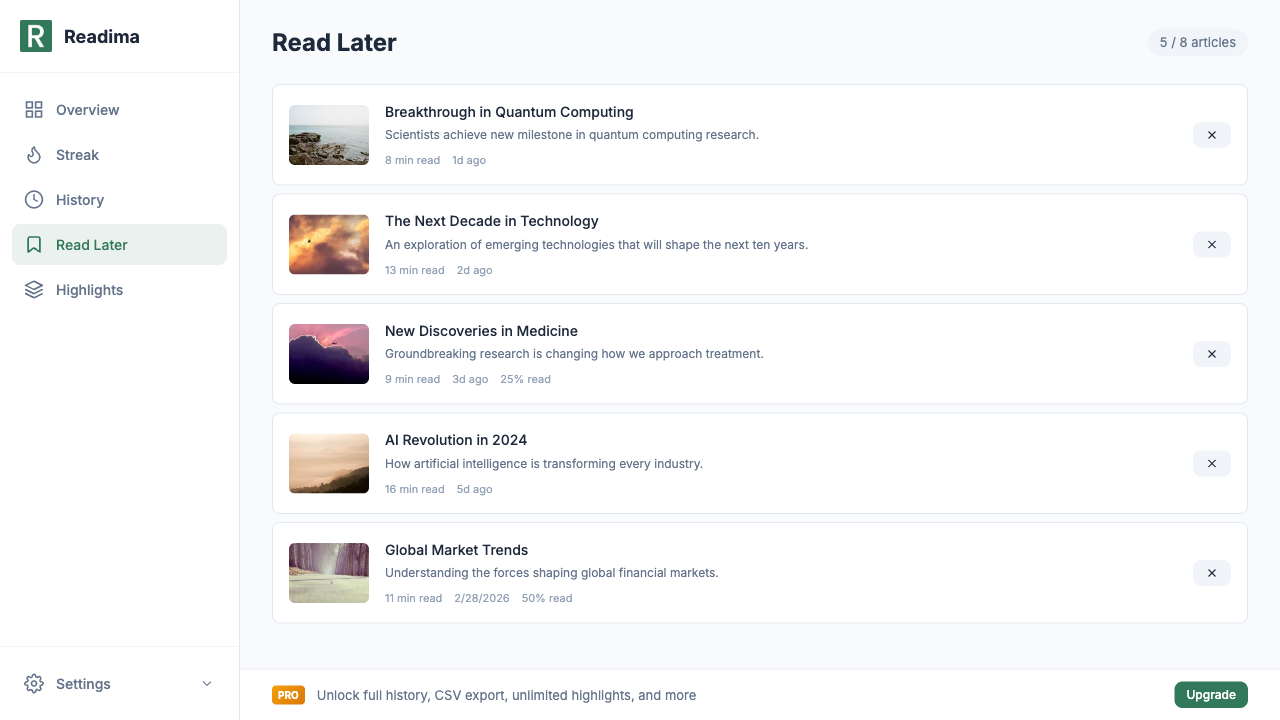
- Never Lose a Good Article - Save articles for later
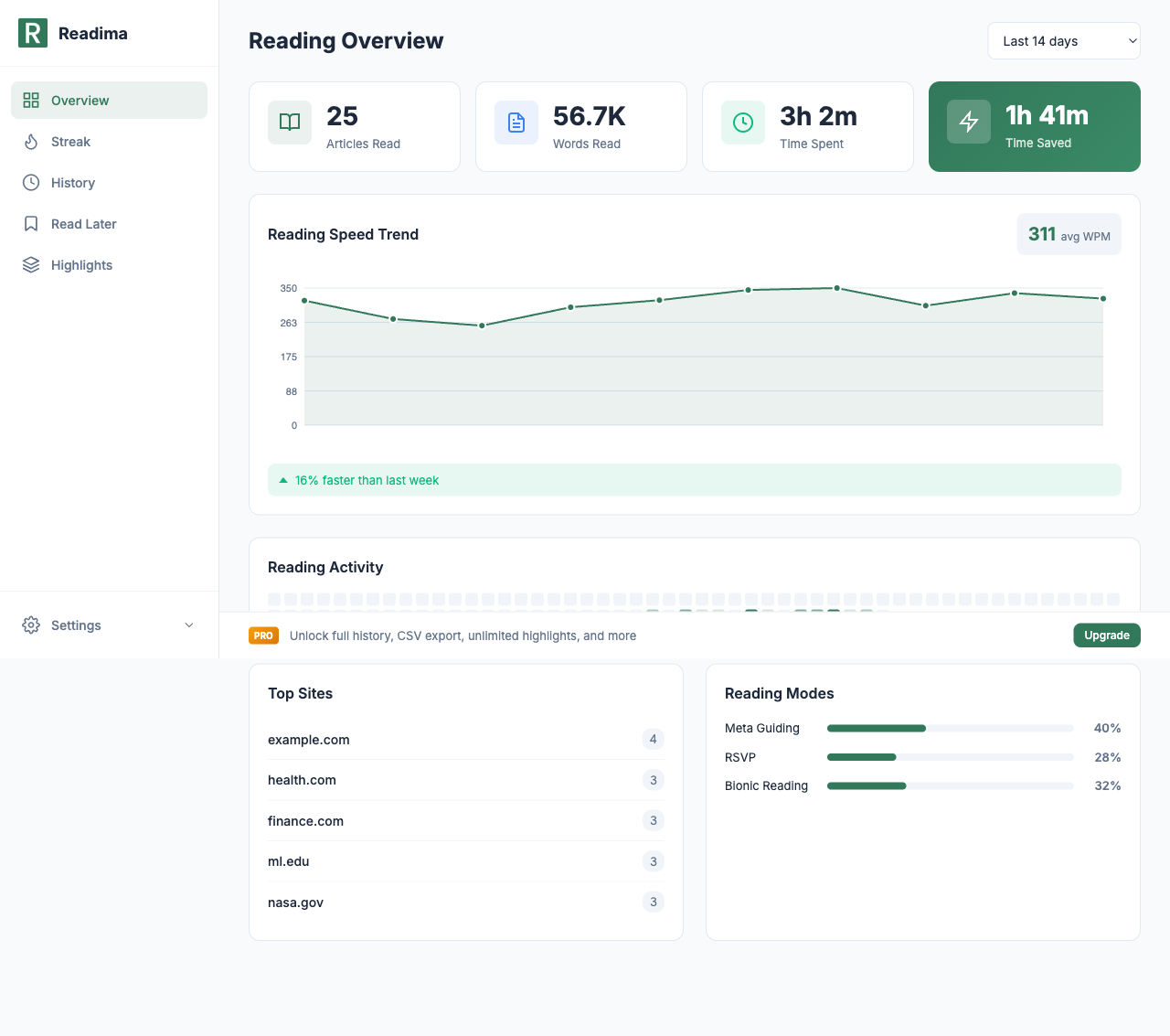
- Track Your Reading Journey - See all your stats
- Discover the Scan and Skim Feature - Quickly preview content
Start highlighting today! Download Readima for free and save up to 8 highlights with 2 colors. Perfect for capturing key insights as you read!
Want unlimited highlights, all 5 colors, notes, and Markdown/Notion export? Upgrade to Pro for just $2.9/month.
Related in the StoicSoft network
If you run monitoring, uptime checks, or alerting across self-hosted apps like the ones above, ServerCompass is the StoicSoft network's tool for wiring tiered severity, flap suppression, and low-noise alerts into a single dashboard.
Ready to Read Faster?
Join thousands of readers who use Readima to improve their reading speed and comprehension. Start your speed reading journey today.