Bionic Reading: Read 25% Faster with Science-Backed Typography
Discover how Bionic Reading uses bold text formatting to create artificial fixation points, helping your brain process words faster. Learn how this science-backed technique can boost your reading speed by up to 25% while maintaining comprehension.
What is Bionic Reading?
Bionic Reading is a revolutionary reading method that guides your eyes through text by bolding the initial letters of each word. This creates artificial fixation points that help your brain recognize words faster, allowing you to read more efficiently without sacrificing comprehension.
The concept is based on how our brains actually process text. When we read, we don't look at every letter — we recognize word shapes and patterns. Bionic Reading amplifies this natural process by highlighting the most important parts of each word.
How Does Bionic Reading Work?
When you enable Bionic Reading in Readima, the extension automatically transforms any webpage into a bionic-optimized format:
- Fixation Points: The first portion of each word is bolded, creating visual anchors
- Pattern Recognition: Your brain uses these anchors to predict and complete words faster
- Reduced Eye Movement: Less saccadic movement means faster reading with less fatigue
For example, normal text like this:
"Speed reading is a valuable skill in today's fast-paced world."
Becomes:
"Speed reading is a valuable skill in today's fast-paced world."
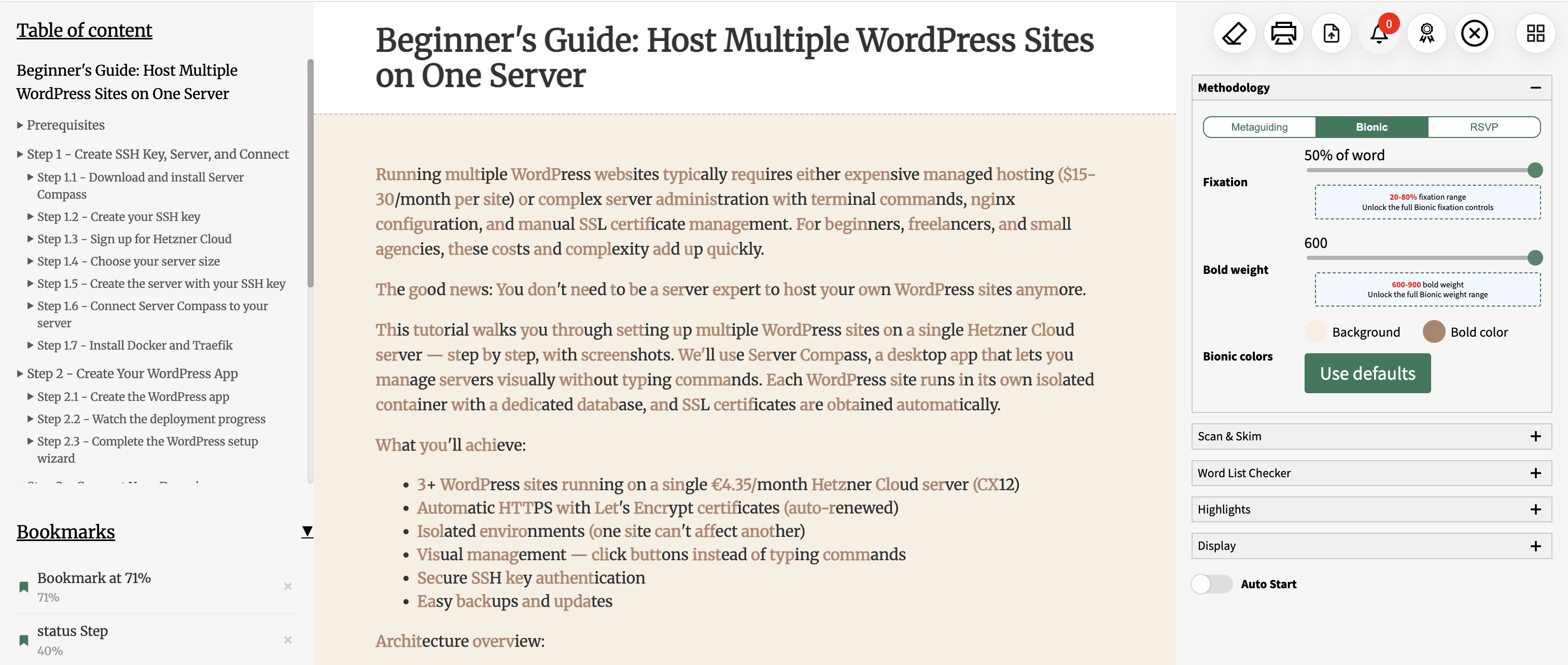
Here's what Bionic Reading looks like in action with Readima:

Readima's Bionic Reading Features
Readima offers the most customizable Bionic Reading experience available:
Adjustable Fixation Level
Control how much of each word gets bolded:
- 30-50% fixation (Free tier): Perfect for beginners
- 20-80% fixation (Pro tier): Fine-tune to your exact preference
Lower fixation (20-30%) provides subtle guidance, while higher fixation (60-80%) creates stronger visual anchors for faster scanning.
Bold Weight Selection
Choose how prominent the bold text appears:
- Weights from 600 to 900
- Match your reading style and screen brightness
- Reduce eye strain with lighter weights
Theme Integration
Bionic Reading works seamlessly with Readima's reading themes:
- Default (light)
- Dark mode
- Sepia (Pro)
- Beige (Pro)
Customize font family, size, line height, and page width for the perfect reading environment.
The Science Behind Bionic Reading
Research in cognitive psychology shows that skilled readers don't read letter by letter — they recognize word shapes. This is called the "word superiority effect."
Bionic Reading leverages this by:
- Reducing cognitive load: Bold fixation points give your brain head starts on word recognition
- Guiding eye movement: Your eyes naturally jump to high-contrast points
- Maintaining context: Unlike RSVP, you see full sentences for better comprehension
Studies suggest readers can achieve 10-25% faster reading speeds with bionic formatting while maintaining the same comprehension levels.
When to Use Bionic Reading
Bionic Reading excels in certain scenarios:
Best for:
- Long-form articles and blog posts
- Research papers and documentation
- News articles and newsletters
- Self-paced reading sessions
Consider other methods for:
- Poetry or creative writing (where rhythm matters)
- Technical code documentation
- Very short content
How to Enable Bionic Reading in Readima
Getting started with Bionic Reading takes seconds:
- Install the Readima Chrome extension
- Navigate to any article or webpage
- Click the Readima icon and select "Bionic Reading" mode
- Adjust fixation and bold weight to your preference
- Start reading faster immediately
Combine with Other Reading Modes
Readima lets you switch between three reading modes:
- Meta Guiding (40% usage): Pointer-based reading assistance
- Bionic Reading (32% usage): Typography-based speed enhancement
- RSVP (28% usage): Rapid word-by-word presentation
Many users start with Bionic Reading for casual content, then switch to RSVP for intensive study sessions.
Track Your Bionic Reading Progress
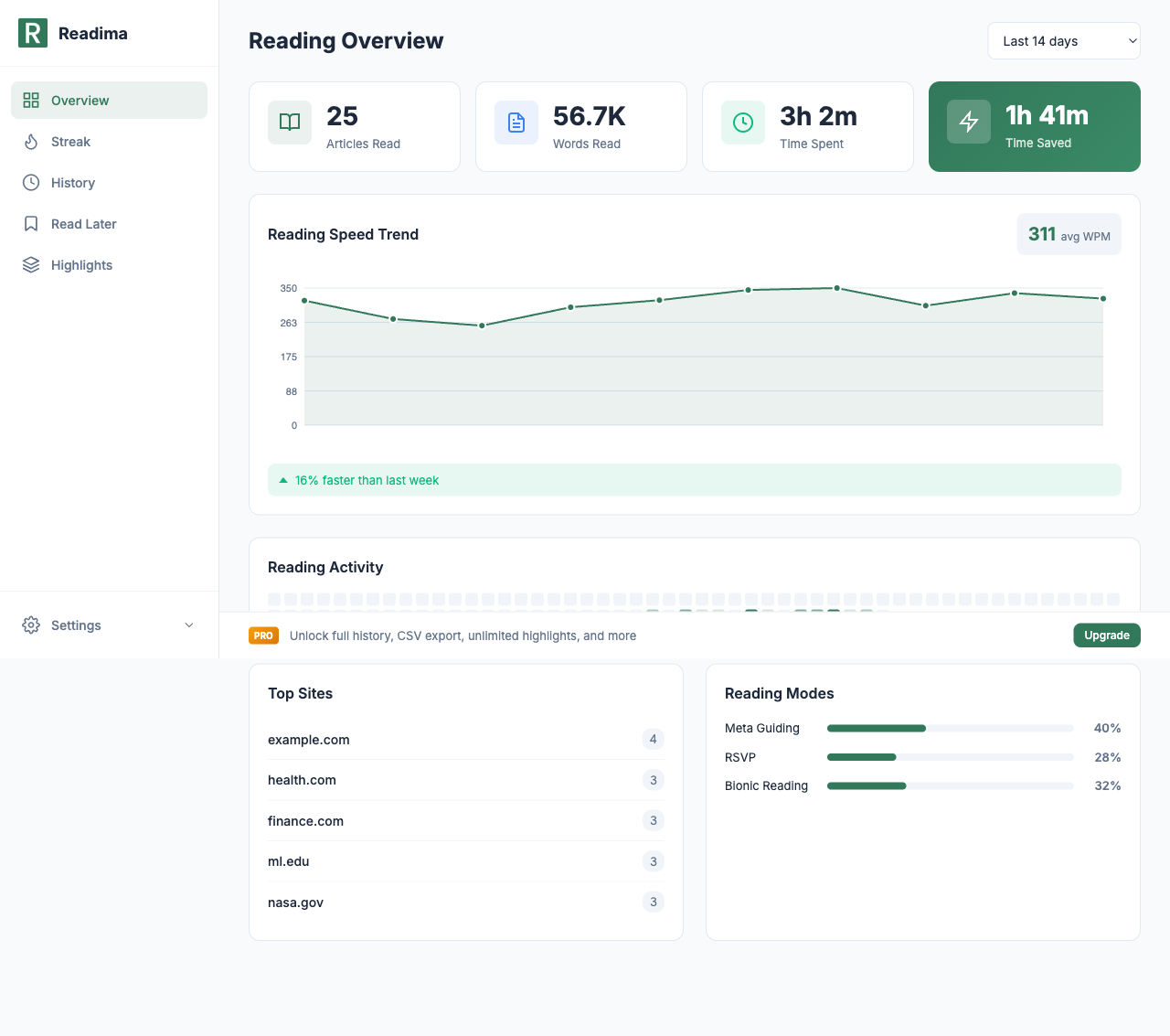
Readima's dashboard shows exactly how Bionic Reading improves your speed:
- Monitor your average WPM (words per minute)
- See week-over-week improvement percentages
- Track time saved compared to your baseline reading speed
Users report saving an average of 1 hour 41 minutes over 14 days with Readima's speed reading features.
Start Reading Faster Today
Bionic Reading removes the friction from faster reading. No training required — just enable it and your brain adapts naturally.
Related Articles
- Track Your Reading Journey - Monitor your speed improvements
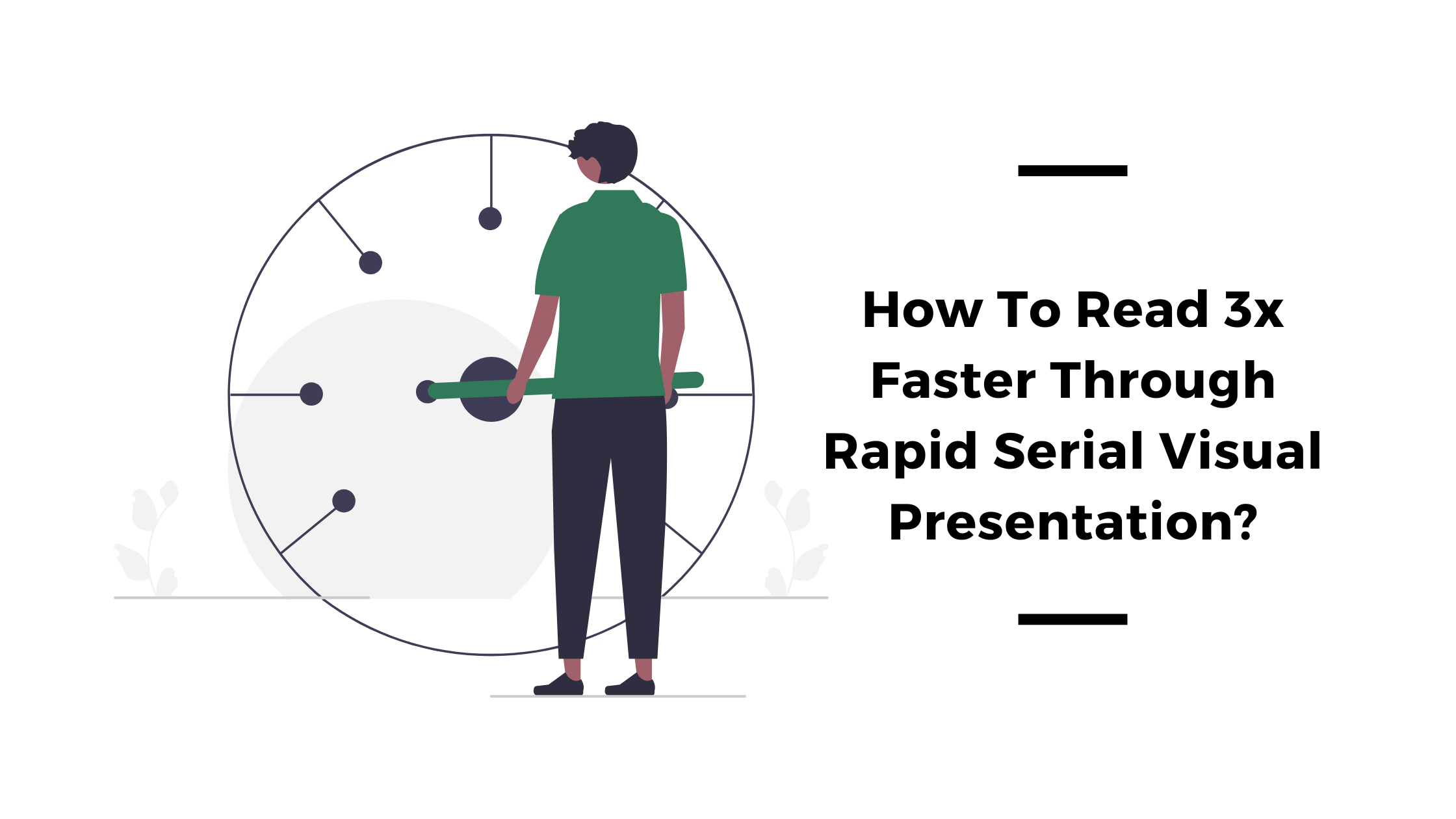
- How To Read 3x Faster Through RSVP - Try another speed reading method
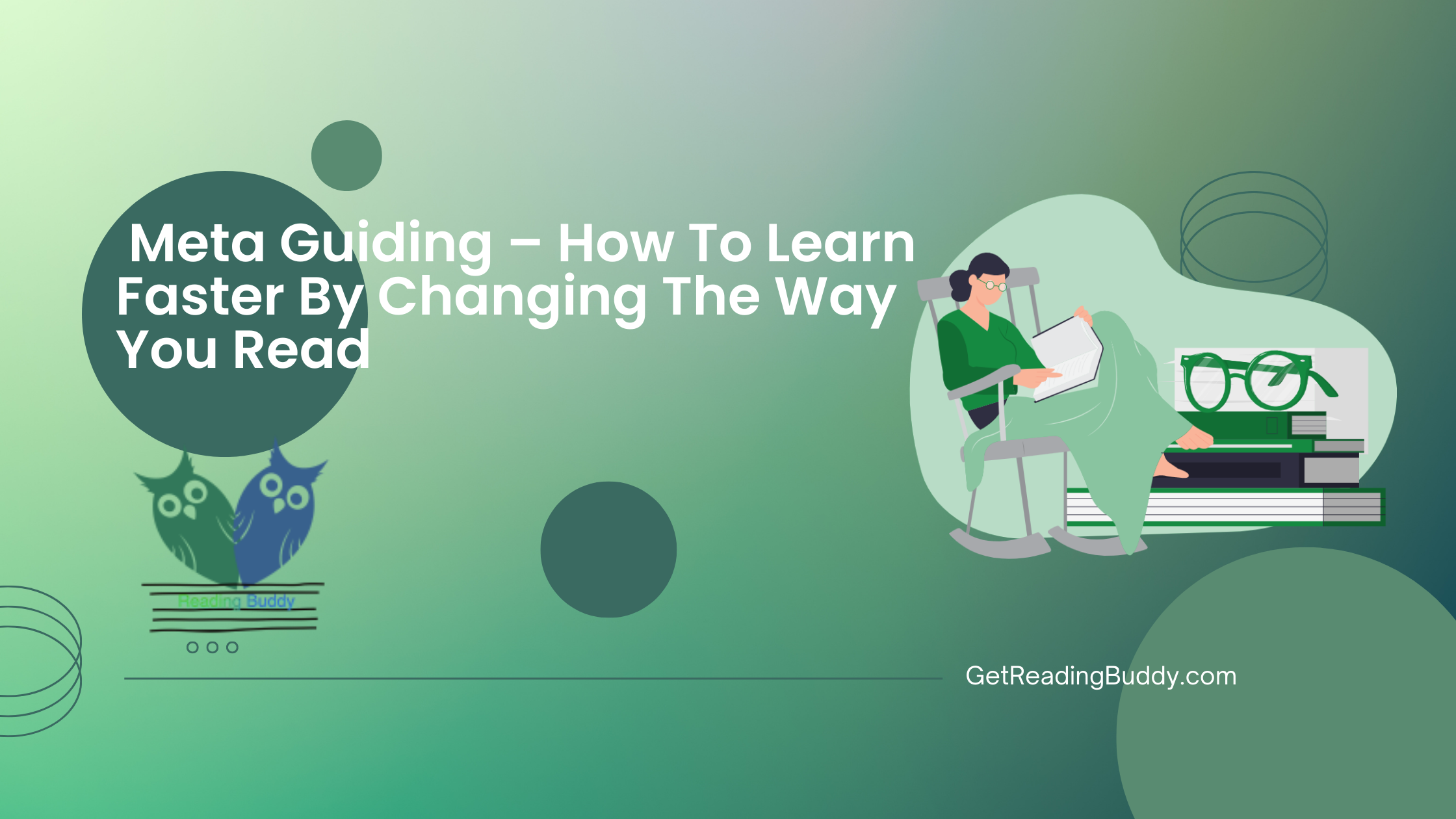
- Meta Guiding – How To Learn Faster - The pointer technique
Ready to transform how you read online? Download Readima for free and experience Bionic Reading on your next article!
Want full fixation control (20-80%), all themes, and unlimited highlights? Upgrade to Pro for just $2.9/month.
Related in the StoicSoft network
If you work in AI-assisted coding, shared terminal sessions, or agent-driven shell workflows like the ones above, 1devtool is the StoicSoft network's tool for safer AI-assisted terminal work — shared sessions with auditing, preflight policy, and tiered model routing built in.
Ready to Read Faster?
Join thousands of readers who use Readima to improve their reading speed and comprehension. Start your speed reading journey today.